Map and field guide for Ontario officers
Know exactly
Street address, nearest cross street and GPS coordinates on one screen, with a map, directions and an Ontario field guide one tap away.
Invite-only. You need an access code to sign in.
The real app, not a mock-up.
Screens from the current build. Swipe or scroll sideways.
Built for the call, the stop and the report.
Map and directions
Centre on yourself, drop a pin and get driving directions without leaving the app.
Pins and notes
Save locations and write notes. They stay on your phone.
Department contacts
Non-emergency numbers in one list, ready to call.
Passcode and Face ID
An optional lock hides Coppr in the app switcher and screenshots.
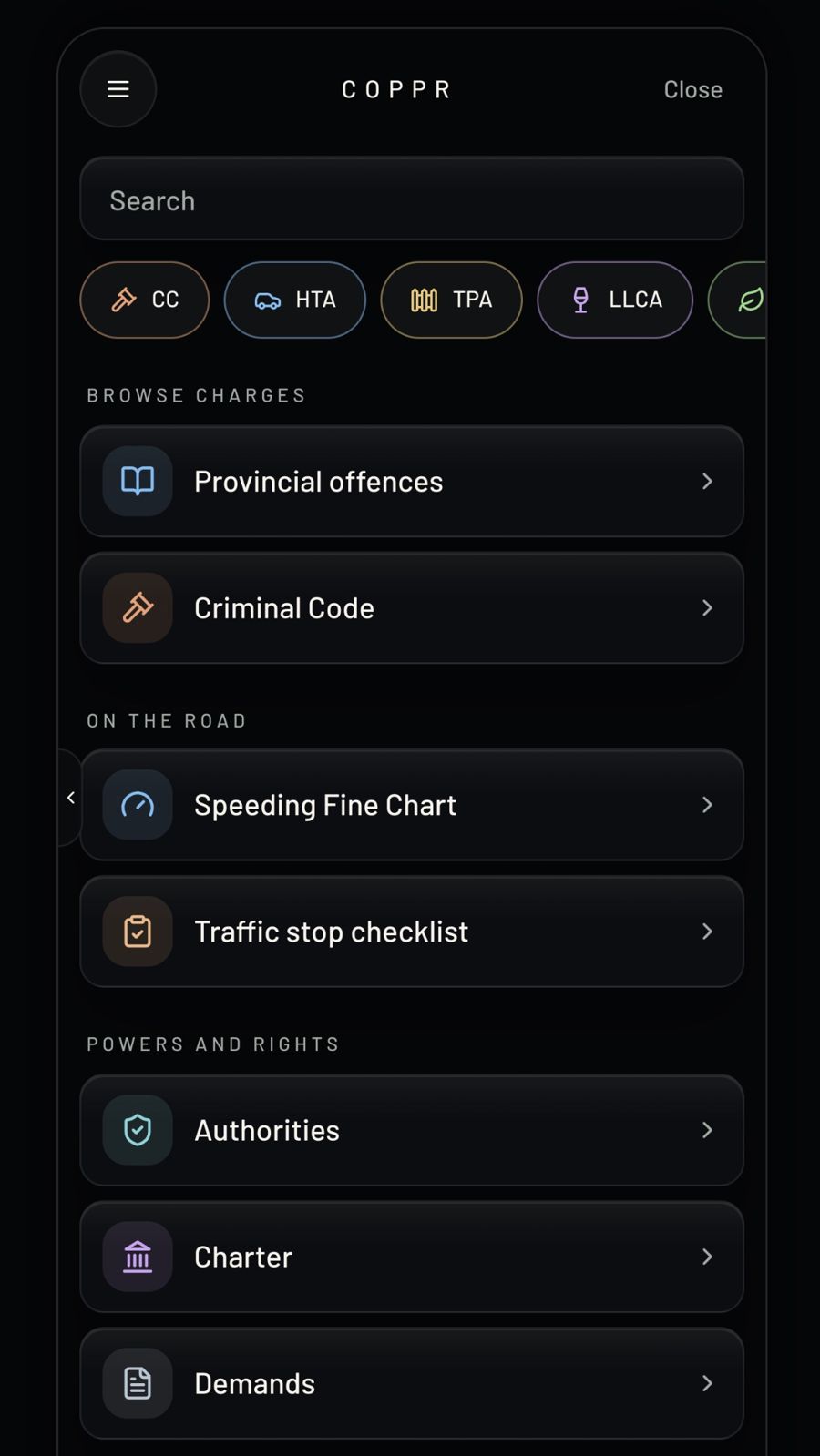
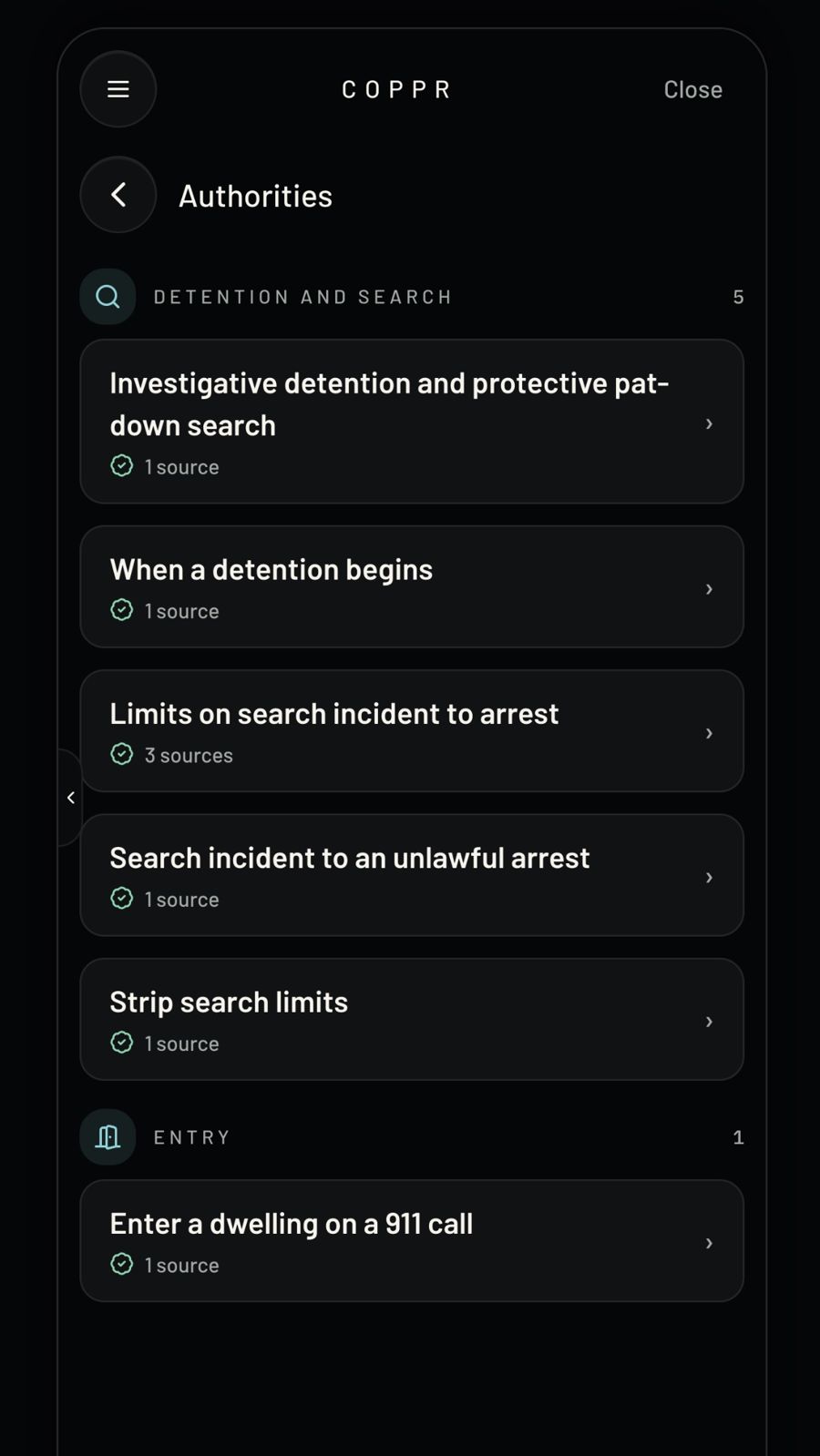
The Ontario field guide, in your pocket.
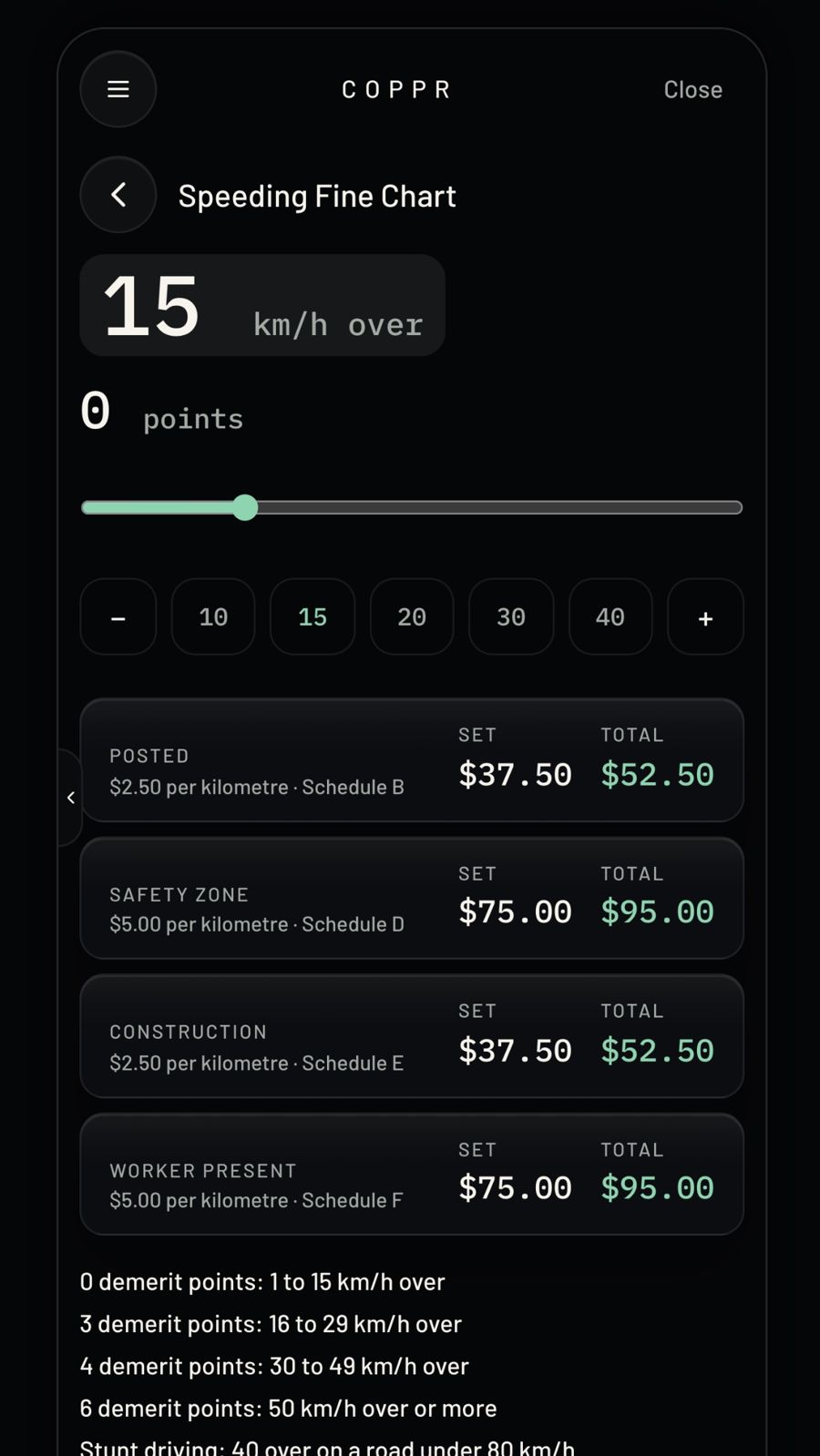
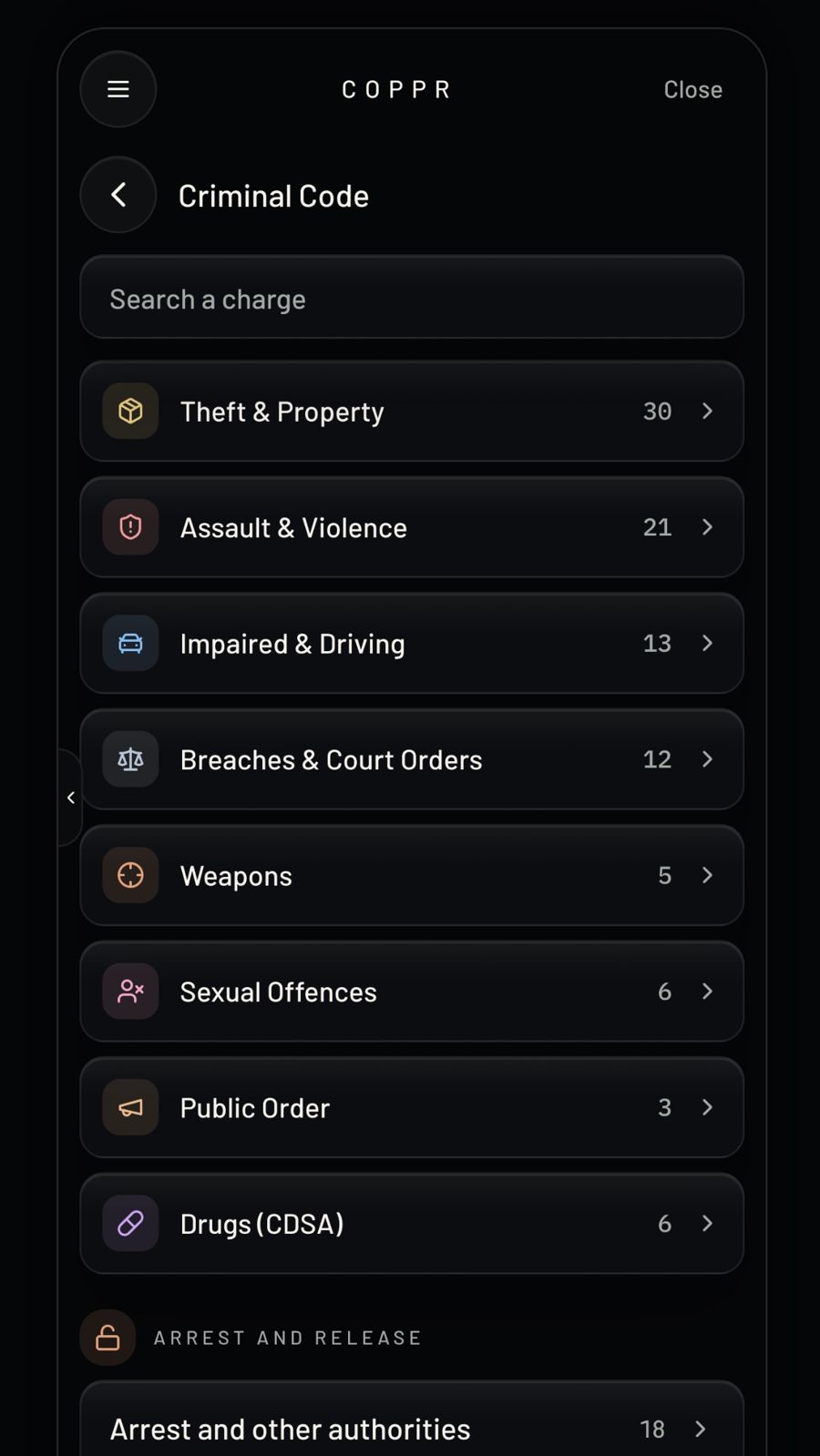
Criminal Code text, Ontario provincial offences and the speeding fine chart, built in and searchable offline. Try the chart: drag the slider.
15 km/h over
0 demerit points
Total includes the victim fine surcharge and $5 court fee. NSF means no set fine. Source: Schedule 43, July 1, 2026. For reference only.
No account. No analytics. No ads.
Coppr reads your location while the app is open. It never asks for background location.
Pins, notes and photos are stored on the device, not on a server.
Shared positions live in short-term storage and are gone within 4 hours.
No analytics, crash reporting or ad SDKs are built in.
Questions
Is Coppr an official police app?
No. Coppr is independent and is not affiliated with or endorsed by any police service, government or court.
How do I get an access code?
Coppr is invite-only. Ask through the support page. Each code works on one phone.
Do I need an account?
No. There is no sign-up, no name and no email. The access code is all you enter.
Does the field guide work without signal?
Yes. The legal text and the speeding chart are built into the app. The map, address lookup and Platoon rooms need a connection.
Where does the legal text come from?
From official sources such as Justice Laws and Ontario e-Laws. It is for reference; always check the official source.
Access is by invitation.
Download Coppr, then enter your access code. Each code works on one phone.